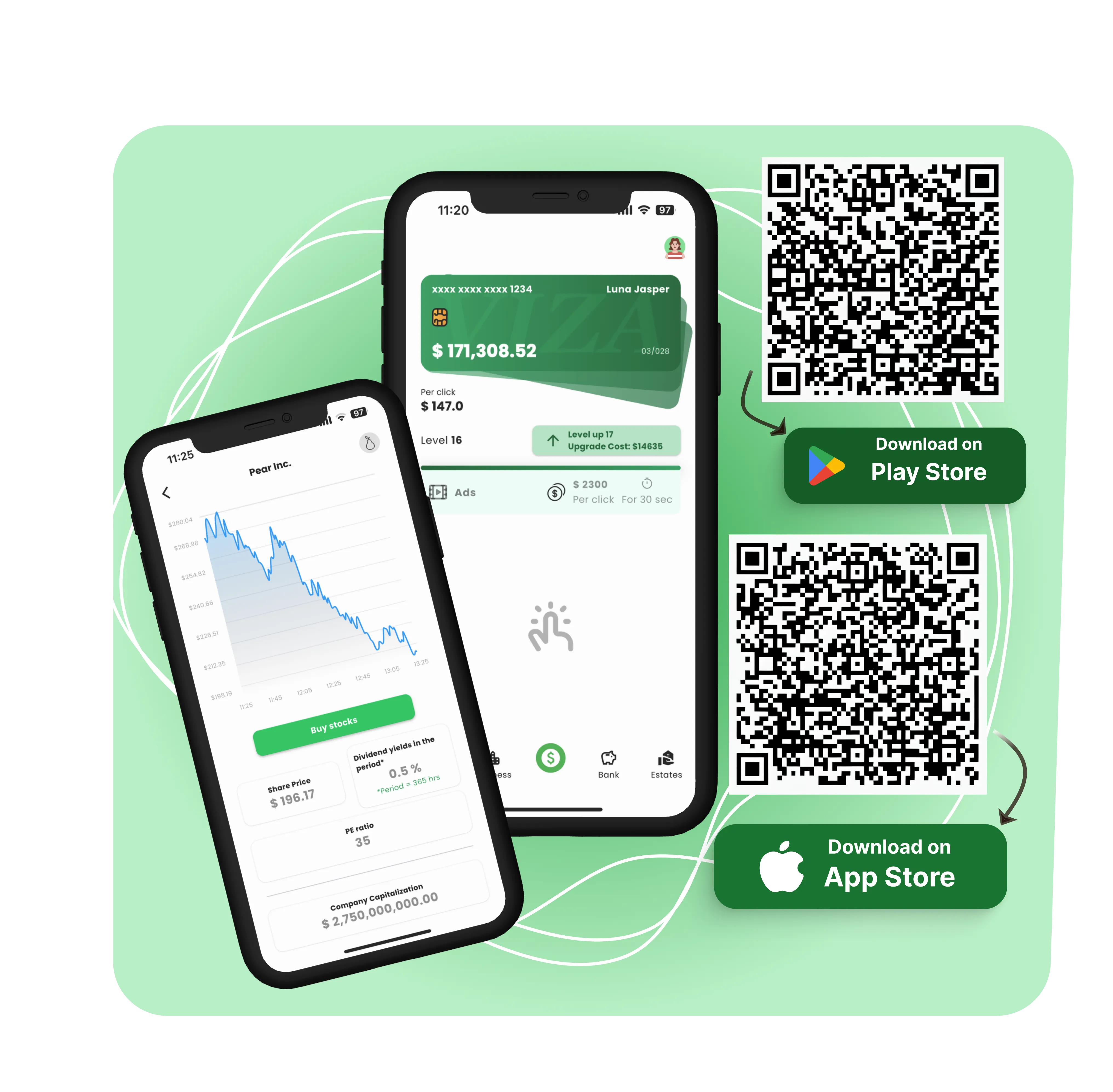
Billionaire Business Empire is a mobile game that simulates digital entrepreneurship, allowing players to accumulate virtual wealth through multiple financial mechanisms.
These include tapping to earn money, launching and managing businesses, investing in the stock market and real estate, interacting with banks, purchasing luxury items, exchanging digital currency (gems), and engaging in social gameplay through peer-to-peer money transfers.
This guide explains how to play Billionaires Business Empire from the moment you install the app to the point where you manage a full-scale virtual empire with different strategies.
Step 1: Installation and Game Access
To start playing Billionaires Business Empire, follow these steps:
Download and install the game from your device's official app store (Google Play Store or Apple App Store)
Once installed, open the app by tapping the game icon.
On the login screen, you will see two options:
Log in as a Guest: Enter a display name to proceed without creating an account.
Log in with Gmail: Sign in using your Google account to save progress and synchronize data across devices.
Once logged in, the game will redirect you to your personal dashboard, where your player name and your initial balance are displayed. Check the leaderboard in the profile section.
Step 2: Tapping to Earn
The main screen features a "Tap to Earn" section, which is your primary income source at the start of the game.
Every tap you perform on the screen generates a fixed amount of virtual currency.
This amount is called your per-click rate.
You can tap as frequently as you like to accumulate more income.
A timer appears that gives you access to temporary multipliers. Watching a short video advertisement activates a 30-second boost where each tap earns significantly more money.
As your total earnings increase, your player level also increases. This unlocks additional features and improves your capacity for upgrades.
Upgrading Per-Click Rate
You can spend in-game money to upgrade your tap rate.
Upgrading increases the amount you earn per tap.
The cost of each upgrade rises incrementally.
Your tap income remains active throughout your gameplay, but it is eventually supplemented and outpaced by passive income sources.
Step 3: Starting and Managing Businesses
The Business section introduces automated income via company ownership.
Creating a Business
Access the Business tab from the main menu.
Select from a list of available business categories.
Enter a custom name for your business.
Review the following:
a) Startup cost: The amount required to launch the business.
b) Daily income: The recurring amount your business will generate once operational.
If you choose to proceed:
a) Tap the "Buy" button.
b) You will be given the option to watch a video advertisement for a 20% discount on the purchase price.
c) Once purchased, the business becomes active.
Business Operations
Each business is listed in your Business Dashboard.
From this screen, you can:
Monitor daily profits.
Collect accrued income manually.
Pay virtual taxes when prompted to maintain business functionality.
Tap Sell if you wish to liquidate the business.
Tap Upgrade to increase the daily income output, which requires an investment of in-game currency.
Step 4: Investing in Stocks and Real Estate
The Investing section includes two components: Stock Market and Real Estate.
Stock Market
The stock market allows you to purchase shares of virtual companies to earn dividends or resell at a higher price.
Open the Stock Market tab.
View a list of stocks, each with:
a) Company name
b) Dividend rate
c) Price trend
Sort stocks by dividend yield:
a) Highest to lowest
b) Lowest to highest
Tap a stock to view detailed analytics
To purchase:
a) Tap Buy Stocks
b) Enter the number of shares you want to buy
c) Confirm the purchase
d) Optionally watch an ad to get a 20% discount
After purchasing, shares appear in your Portfolio.
You can sell shares at any time to realize profits or reallocate funds.
Real Estate
Real estate functions similarly to stocks but provides consistent rental income rather than dividends.
Go to the Real Estate tab.
Browse properties by:
a) Type (residential, commercial, etc.)
b) Price
c) Rental income
Tap a property to view:
a) Cost
b) Income
c) Ownership requirements
Tap Buy Now to complete the transaction.
a) A 20% discount is available after watching an ad.
Purchased properties appear in your Real Estate Holdings screen. Income accumulates over time and can be collected manually.
Step 5: Using the Banking System
Banks offer two functions: taking loans and making deposits.
Taking Loans
Select a bank from the list.
Review loan terms, including:
Tap Take Loan to borrow money.
Loaned money is added to your account balance.
You are responsible for repayment, which occurs over time.
Making Deposits
From the same bank interface, tap Deposit.
Enter the amount to deposit.
The deposit accrues interest over time based on the bank's interest rate.
The Bank Dashboard tracks all loan and deposit activity, including interest earned and repayment progress.
Step 6: Purchasing and Managing Luxury Items
The Items section allows you to purchase luxury goods, which improve your net worth and status within the game.
Open the Items tab.
Tap Buy Luxury Items to view available options.
Tap any item to see:
a) Price
b) Description
Tap Buy to complete the transaction.
a) A 20% discount is available after watching a video.
All purchased items appear in your Luxury Collection, which is viewable from the same tab.
These items are not income-generating assets but affect your leaderboard rank and profile valuation.
Step 7: Managing Gems (In-Game Currency)
Gems are a digital currency used for exchanging value and unlocking features.
How to Access Gems: Tap the Gem icon on the main screen.
Ways to Earn Gems
a) Daily login streaks
b) Sending money to friends multiple times
c) Purchasing with real money (in-app purchase)
Gem Usage
a) Exchange gems for cash directly.
b) Exchange cash for gems if needed.
c) Gems can also be used for future gameplay advantages
All gem activity is handled from the Gems page.
Step 8: Basic Game Features
Notifications: Tap the Notification Bell to view system messages, updates, offers, or reminders.
Help Menu: Tap the Question Mark icon for in-game assistance, explanations of features, and general support.
Profile
a) Tap the Game Logo icon to open your profile.
b) Profile includes: Player level, Net worth, Items owned, Business and investment summaries
Billionaire's Board
a) Accessible from the Profile section.
b) Displays the Top 100 players based on: Net worth, Gems
Leaderboard status is dynamic and updates frequently.
Send and Receive Money
a) Tap Send Money to Friends from your profile.
b) Enter the amount you want to send.
c) Generate a code to share.
d) Alternatively, use a friend's User ID to transfer directly.
e) Claim rewards for sending money after a certain number of transfers.
Conclusion
Billionaires Business Empire is a structured financial simulation game where progression depends on a player's ability to manage active and passive income streams, allocate resources, and make strategic decisions across multiple sectors.
By understanding each section, tapping, businesses, investments, banking, items, gems, and player interactions, you can build a diversified empire that generates exponential returns over time.
The game rewards consistent engagement, accurate resource allocation, and timely upgrades. Each feature is built around measurable growth, and all gameplay decisions feed directly into your net worth, level progression, and leaderboard placement.
You can revisit any section at any time without penalty, allowing for flexibility in playstyle and long-term strategy.


